
Why Your Website Isn’t Generating Leads (And How to Fix It)
Why Your Website Isn’t Generating Leads (And How to Fix It)
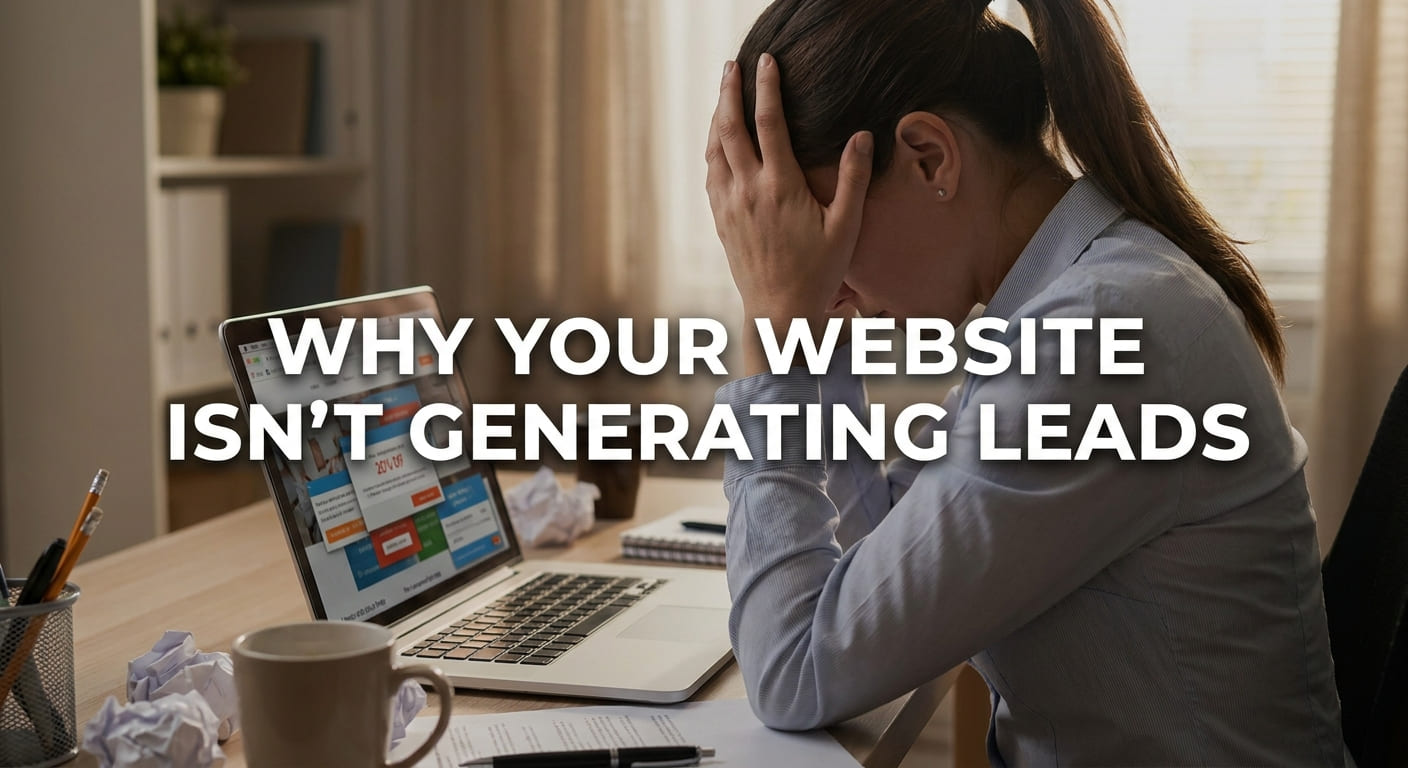
Why Your Website Isn't Generating Leads is one of the most common questions business owners ask after launching a new website. Most companies believe that once a website is live, leads will automatically start coming in. Unfortunately, that's not how lead generation works.
The reality is that a website is not a lead generation machine by default. Simply getting visitors does not guarantee inquiries or sales. Traffic and leads are two different things. While SEO helps people find your website, converting those visitors into customers requires the right strategy.
Many websites receive hundreds or even thousands of visitors every month but still struggle to generate quality leads. This usually happens because users don't trust the business, can't find the information they need, or don't know what action to take next.
According to Google's Helpful Content Guidelines, websites should focus on providing value and creating a positive user experience. Likewise, Google recommends improving page experience and usability to help users complete their goals.
In this guide, you'll discover the biggest reasons why your website isn't generating leads and, more importantly, practical ways to fix each problem.
Why Visitors Leave Without Becoming Leads
Many businesses believe visitors leave because of pricing or strong competition. However, that's rarely the main reason. Instead, most visitors leave because they don't trust the business enough to take the next step.
When someone lands on your website, they immediately start asking themselves several important questions. For example, they may wonder:
- Is this business legitimate?
- Have they helped people like me before?
- Can I trust them with my money?
- What proof do they have?
If your website fails to answer these questions quickly, visitors often leave without contacting you. As a result, potential customers disappear before they even become leads. This hesitation is commonly known as Trust Friction, which is the uncertainty that prevents users from taking action.
Fortunately, reducing trust friction is easier than most businesses think. For example, you can strengthen credibility by adding the following trust signals throughout your website.
Positive reviews from real customers immediately increase credibility. Furthermore, testimonials help new visitors feel more confident about choosing your business.
Showing real transformations demonstrates the quality of your work. As a result, visitors can clearly see the value you provide.
A strong portfolio showcases your experience and expertise. Moreover, it allows potential customers to evaluate the quality of your previous projects before contacting you.
Detailed case studies explain how you solved real problems for real clients. Consequently, they help visitors understand what results they can expect.
Professional team photos make your business feel more authentic. Likewise, they help visitors connect with the people behind the brand instead of an anonymous company.
Industry awards and professional certifications increase authority. Therefore, they reassure visitors that your business meets recognized standards.
Displaying genuine Google Reviews provides independent social proof. In addition, high ratings help visitors trust your business much faster.
An SSL certificate protects user data and creates a secure browsing experience. Finally, security badges reassure visitors that their personal information is safe when interacting with your website.
Your CTA Doesn't Match Visitor Intent
One of the biggest conversion mistakes is showing the wrong call-to-action. Visitors searching for pricing information are not always ready to contact your sales team immediately.
Example:
User Search: Website redesign cost
Bad CTA: Contact Us
Better CTA: Get an Instant Website Cost Estimate
As a result, Intent-based CTAs match what visitors actually want. Therefore, offering pricing calculators, free audits, or downloadable guides often generates far more leads than a generic contact button.
Your Forms Are Killing Conversions
In addition, Long forms discourage users from completing inquiries because they require too much effort.
Bad Form
Name
Company
Phone
Budget
Country
Industry
Revenue
Employees
Message
Good Form
Name
Email
Requirement
As a result, Short forms usually increase conversions because visitors can submit requests quickly. Once the conversation starts, additional information can always be collected later.

Your Website Loads Slowly
Website speed has a direct impact on lead generation. Every extra second of loading time increases the chance that visitors will leave before interacting with your content.
To improve loading speed, compress images, enable lazy loading, use a CDN, configure browser caching, and remove unnecessary plugins. You can analyze your website using Google PageSpeed Insights.
Your Website Looks Beautiful But Doesn't Sell
However, a beautiful website does not always generate leads. Fancy animations, large video backgrounds, and complex effects often distract visitors instead of encouraging action.
Instead, focus on conversion-first design with strong headlines, easy readability, clear CTA placement, generous white space, and a logical visual hierarchy. These elements guide visitors toward taking action.
Mobile Experience Is an Afterthought
Nowadays, most website traffic comes from smartphones. If your mobile experience is poor, visitors may leave before becoming leads.
Therefore, Check that your website includes thumb-friendly buttons, fast loading pages, sticky CTA buttons, clickable phone numbers, and easy-to-complete forms. Mobile optimization improves both user experience and conversions.
SEO Brings Visitors, CRO Converts Them
Many businesses believe SEO alone generates leads. However, SEO and Conversion Rate Optimization (CRO) work together to produce results.
First, SEO helps your website attract visitors through search engines. Meanwhile, CRO improves headlines, CTAs, layouts, and trust signals to convert those visitors into paying customers. Businesses need both strategies for consistent growth.
AI Can Improve Website Conversions
Artificial Intelligence is changing how businesses generate leads online. AI-powered chatbots answer visitor questions instantly, while personalized recommendations improve user engagement.
Furthermore, AI can qualify leads automatically, test different website copy, and analyze user behavior through heatmaps. These insights help businesses improve conversion rates more efficiently.
Website Lead Generation Checklist
- Clear and benefit-driven headline
- Strong value proposition
- Client testimonials and reviews
- Mobile-friendly design
- Fast website loading speed
- Simple website navigation
- One clear primary CTA
- Short lead generation forms
- Real case studies
- Frequently Asked Questions
- Google Analytics installed
- Heatmap tracking enabled
Final Verdict
Your website should never be treated as an online brochure. Instead, it should work like a salesperson that attracts visitors, builds trust, answers questions, and generates leads 24 hours a day.
If your website isn't converting, the problem is rarely traffic alone. More often, the real issues are weak messaging, low trust, poor user experience, confusing CTAs, or ineffective conversion strategies. Fortunately, these problems can be fixed with the right optimization strategy.
By improving trust signals, optimizing forms, increasing website speed, enhancing mobile usability, and combining SEO with CRO, businesses can generate significantly more leads without increasing traffic. Ultimately, successful lead generation is about understanding visitors, reducing friction, and guiding users toward the right action.
FAQ Section
Traffic alone does not generate leads. Poor CTAs, weak trust signals, slow performance, and confusing user journeys often reduce conversions.
Most websites convert between 2% and 5%, although high-performing websites can achieve even higher rates depending on the industry.
Improve your CTAs, simplify forms, add testimonials, increase page speed, and optimize your conversion funnel.
Common mistakes include slow loading, poor mobile experience, weak messaging, long forms, and lack of social proof.
Yes. Conversion-focused design improves user experience and encourages visitors to take action.
Google Analytics, Microsoft Clarity, Hotjar, Google Search Console, and PageSpeed Insights provide valuable conversion insights.
No. SEO brings visitors, while CRO converts those visitors into leads.
Many improvements show results within a few weeks, while significant optimization usually takes 2–3 months depending on traffic and testing.
Other Post
Website vs Landing Page: Which One Generates More Leads? Website…

Why Your Website Isn’t Generating Leads (And How to Fix…