
High performance Email campaign in Mailchimp
High performance Email campaign in Mailchimp
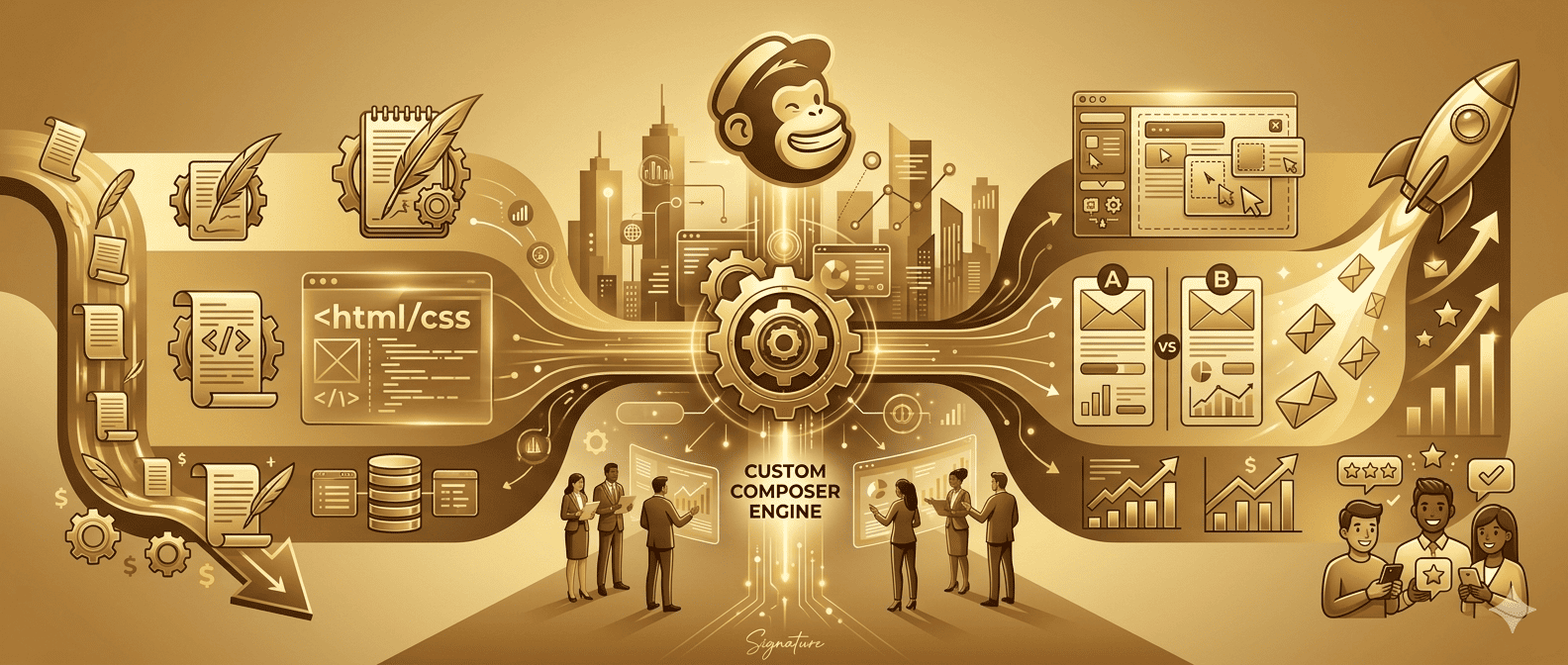
High performance Email campaign in Mailchimp is essential for businesses struggling with low email open rates and poor engagement. Many emails look boring, get ignored, and fail to generate clicks or conversions.
What if your emails looked like mini websites? Visually appealing, interactive, and designed to convert. That’s exactly what HTML emailers can do.
The solution is simple: use Email campaign in Mailchimp to create professional, responsive, and high-converting email campaigns.
Additionally, it allows you to design, automate, and send campaigns easily. You can explore it here: Mailchimp Official Website.
An HTML emailer is a custom-designed email using HTML and CSS. Unlike plain text emails, HTML emails include images, buttons, layouts, and branding elements.
For example, plain emails are simple text-based messages. In contrast, HTML emails are visually rich and interactive, improving engagement.
According to Campaign Monitor, well-designed emails significantly improve user engagement and conversions.
Types of Email Templates
Firstly, newsletter emails are used to share updates, blogs, and company news regularly with subscribers.
Secondly, promotional emails focus on offers, discounts, and product launches to drive sales and conversions.
In addition, welcome emails are sent when a user signs up, helping create a strong first impression and build trust.
Finally, transactional emails include order confirmations, password resets, and notifications triggered by user actions.
Why HTML Emailers + Why Mailchimp is Powerful
- Better engagement with visually rich email design
- Strong branding with colors, logos, and layouts
- Automation features for campaigns and follow-ups
- Drag-and-drop builder for beginners
- Custom HTML support for advanced users
- Easy analytics and performance tracking
Detailed guide on High-Performing Email Campaigns in Mailchimp.

Tips for Stunning Email Design
Firstly, keep your design simple and clean.
Secondly, Use clear CTAs to guide users.
Optimize for mobile since most users check emails on mobile devices.
Common Mistakes to Avoid
- For instance, overloading emails with content can confuse users and reduce engagement.
- Similarly, ignoring mobile optimization leads to poor user experience.
- Additionally, using too many images without optimization can slow loading speed.
Best Practices (SEO + Email Success)
- To improve results, write engaging subject lines.
- In addition, use personalization to connect with your audience.
- Moreover, test emails regularly to improve performance.
- Follow best practices from Mailchimp Resources for better results.
Tools & Resources
For example, use tools like Mail Tester to check spam score.
In addition, use Email on acid or Litmus to preview emails across devices.
You can also get design inspiration from Really Good Emails.
Conclusion + CTA
Creating HTML emailers in Mailchimp is a powerful way to improve email marketing performance. However, many beginners find it difficult to design structured and responsive emails at the start.
To make the process easier, start with simple templates and improve gradually. In addition, understanding basic HTML email structure helps you gain better control over design and layout.
Rather than using complex designs, it is better to focus on clean layouts and readable content. As a result, users can quickly understand your message and interact with your email.
Moreover, mobile optimization is essential because most users check emails on their phones. Therefore, always test your email on different devices before sending it.
At the same time, tracking performance metrics like open rate and click-through rate helps you improve future campaigns. Ultimately, consistent improvements lead to better engagement and results.
Final Verdict
Mailchimp + HTML emailers provide the perfect combination of simplicity and flexibility.
Beginners can use drag-and-drop tools, while advanced users can create fully customized designs.
If you want better engagement, higher clicks, and professional email campaigns, HTML emailers are the way forward.
FAQ Section
Yes, Mailchimp offers a free plan with basic features for beginners.
No, beginners can use drag-and-drop tools, but coding helps for advanced customization.
This can happen due to poor email content, lack of authentication, or spammy subject lines.
Use responsive design, optimize images, and keep layouts simple.
They improve engagement, branding, and click-through rates compared to plain text emails.
Other Post

How Custom Software Can Save Costs & Boost Productivity in…

App Support & Maintenance 101: Why It’s Critical for Every…